17 pages
Dashboard, orders, products, customers, reports, settings, auth, and error screens.
A self-contained admin starter built on Stisla. Plain HTML, one stylesheet, and a little vanilla JS.
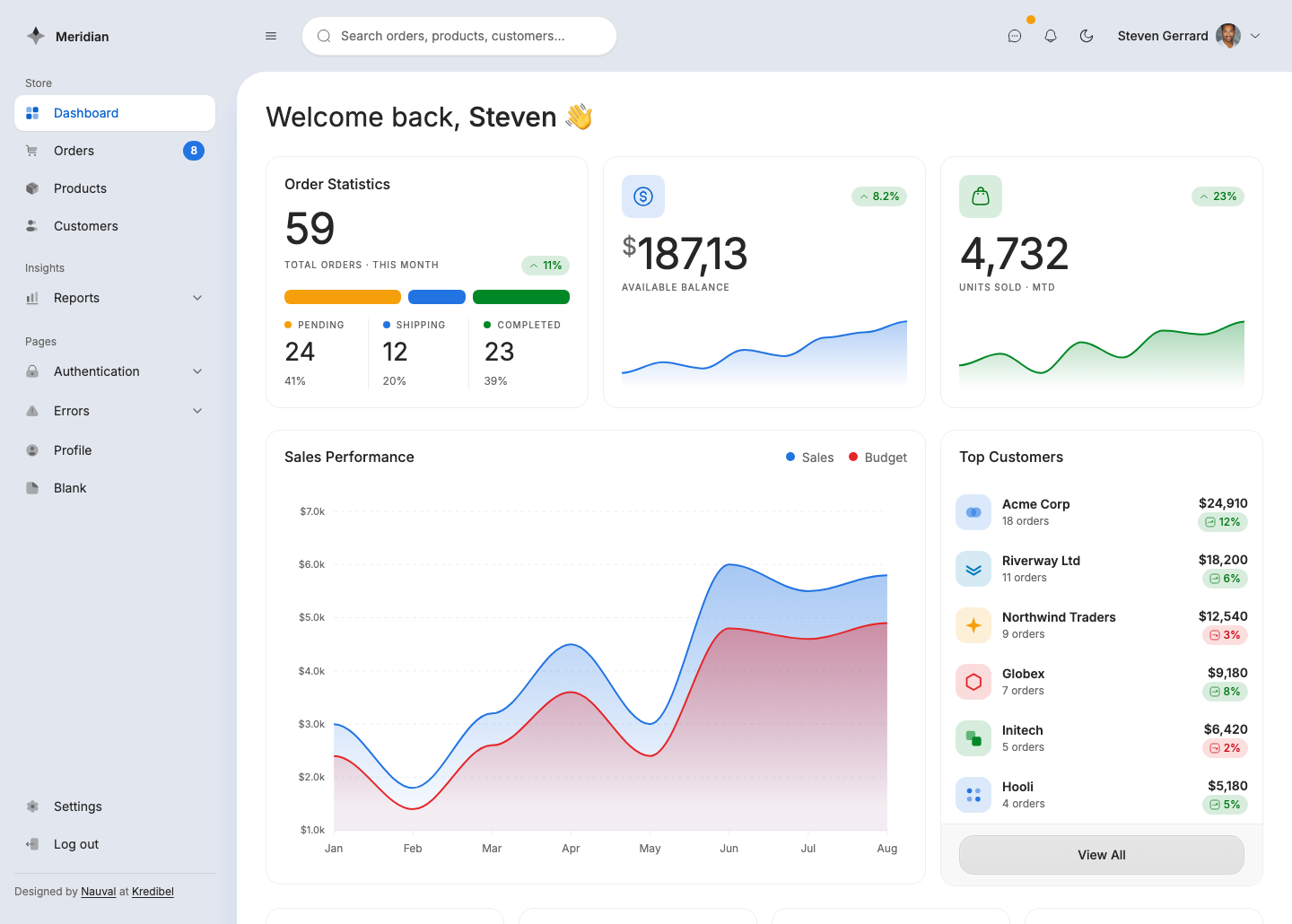
Dashboard, orders, products, customers, reports, settings, auth, and error screens.
Sorting, filtering, pagination, and search expressed as links and a form your backend reads.
Every icon is copy-paste markup. No icon font, no CDN, no runtime to load.
Five first-party scripts loaded as plain script tags. Edit them in place and reload.
Every page reads the same tokens, so one color change repaints the whole template.
Drops into Laravel Blade, Rails, Django, or plain PHP by copying the markup.
Every page ships in the download. Scroll the strip, or open one to look closer.
The download is a self-contained meridian/ folder. It links @stisla/vanilla and ApexCharts from a CDN, so it runs with no install: unzip it and open a page.
The folder is named meridian/ because its navigation links are absolute (/meridian/orders.html). Drop the folder at your web root and every link resolves.
To change the styling you recompile one stylesheet. Install pulls @stisla/style and the Tailwind CLI, then the build turns app.css into the style.css every page links.
Adopting Meridian is copying markup. Each page is plain HTML, so a screen is a block you paste into a Blade, ERB, or Django view and wire to your data.
One edit is mandatory when you move the CSS into your own project. The @source lines at the top of app.css tell Tailwind which files to scan for class names. Repoint them at wherever your views live.
Skip that step and the markup renders unstyled, because the utilities it uses are never generated.
Icons are Solar, baked in as <svg>. To swap one, copy its markup from Iconify and paste it inside an .icon-box. Keep fill="currentColor" so it tracks the surrounding text and theme.
The five scripts under assets/js/ are hand-written and load as plain script tags, so you edit them directly. The one piece you consume rather than edit is @stisla/vanilla, the framework behavior layer, loaded precompiled from the CDN.